2004 - 2005
University of Illinois at Chicago, Electronic Visualization Laboratory
How could the pixel of the digital imagery be translated into the space?
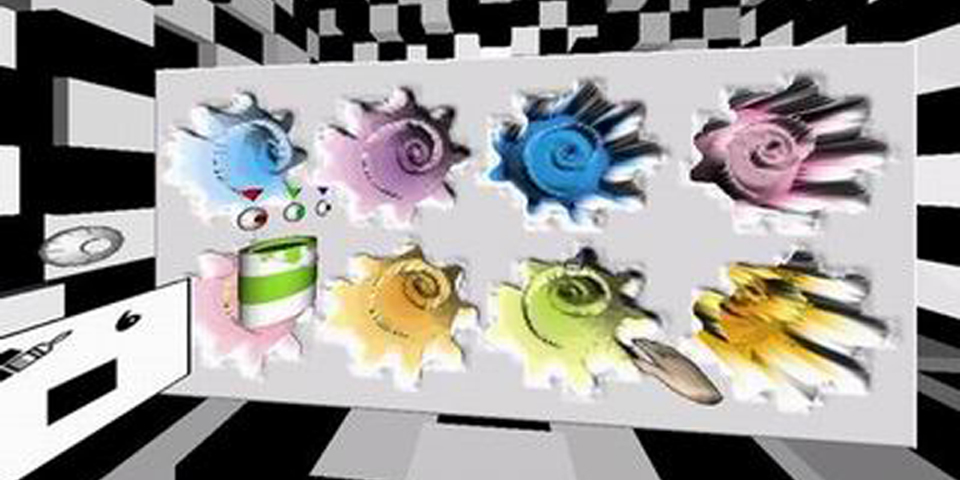
The main input factor is the color on the PAD. From the variety of the intensity of colors in painting, we interpret them into another meaning, the depth — one of the most dominant core components of 3D geometry. This idea primarily bases on the shading of the objects in the real world. When we see objects, we distinguish their depth and shapes by the brightness of each face which is produced by lighting. This is not only one way to recognize 3D object but one to make a feature of it.
Who can play creativity?
The creativity exists not just in the author's realm anymore, but in the individual audiences, who are encouraged to visualize their ideas, to interact with, and to collaborate with others by transforming the creativity through the 3.D.UO.PAD. Since we are not in the linear story, you do create your own experience and vision in the artificial environment that is aided by computers. What does '3.D.UO.PAD' look like? 3.D.UO.PAD is composed of main stage and three sub spaces, such as color space, texture room, and archiving room.
Demo Video
Demo Video
1. Main Stage
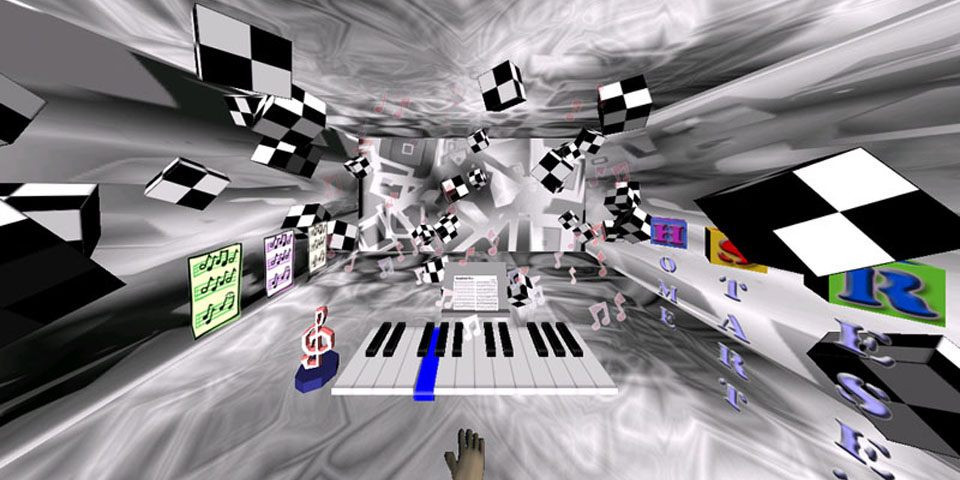
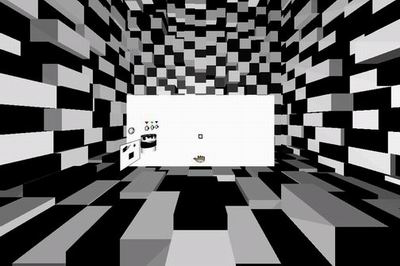
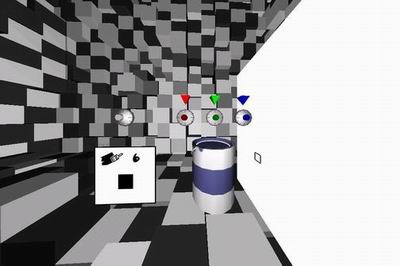
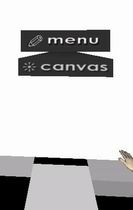
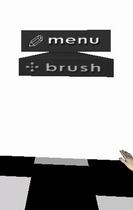
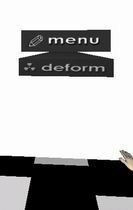
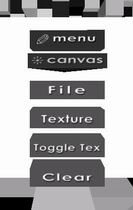
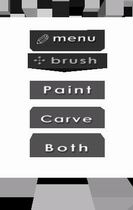
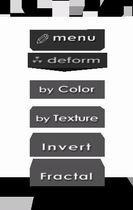
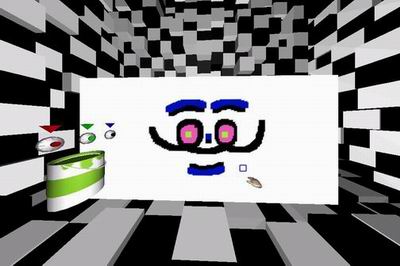
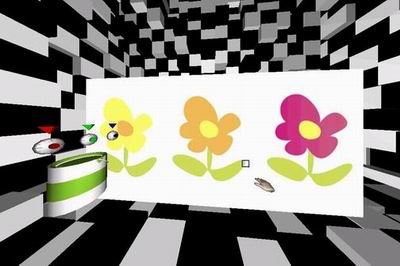
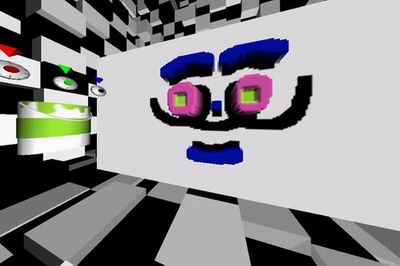
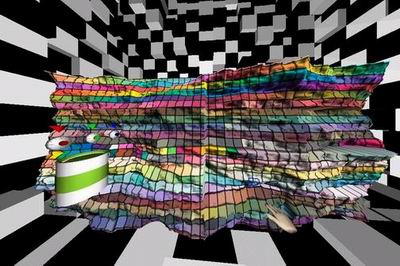
Most of interactions occur in this stage. A user manipulates the virtual sketchpad. There are several user interfaces for selecting brush color, changing brush size, and menu system to command various functions of 3.D.UO.PAD, such as texturing, brush type, several deform patterns and so on. Walls of the stage were built up with two distinguished cubes; black and white. The color of each cube keeps changing between black and white. It aims to give a user the sensation of the basic concept of 3D.UO.PAD. Through the paint bucket interface, a user selects the brush color. By clicking it, he goes to color space. The second interface is for changing the size of the brush by rotating the dial. A user can call menu system in the main stage. Since we have many functions of virtual pad, interactive menu system is required to control it. There are three categories of main menu, which are canvas, brush, and deform. A user switches each category by turning small triangular cylinder of category. Then, pull down its submenus. Canvas menu includes the functions that change canvas itself: save and load file, apply texture, toggle texture map, and clear the pad. Brush menu changes the status of brush to painting mode, carving mode, and both of them. Deform menu triggers the function of various deformation. By selecting the deform menu, a user can morph the pad based on the color of painting, pixel value of texture image, inverse the current depth of pad, and fractal algorithm.
2. Color Space
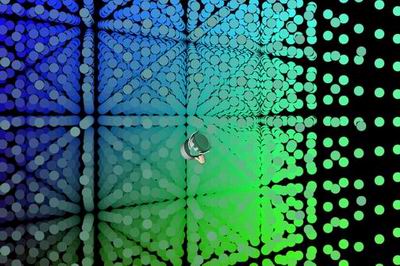
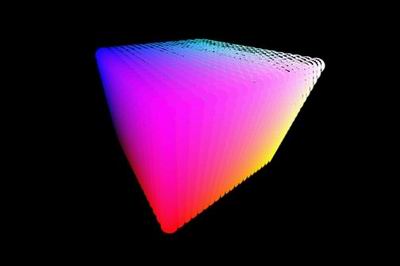
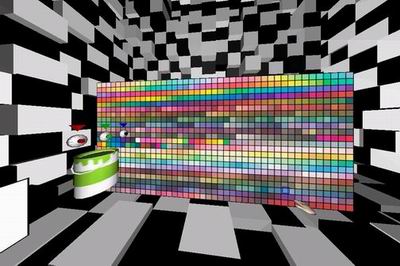
This space is designed for the color selection. As we are exploring the space, the basic concept of the color is to connect the meaning of color to space. Just grab the bucket and jump into the world of fully immersive color space. A user feels the sensation of the plenty of various color spots that have their own color based on its location. All color spots are spread all around us. Simply move and see the color in the space as well as in the paint bucket. Wherever you fly, color changes interactively and intuitively.
3. Texture Room
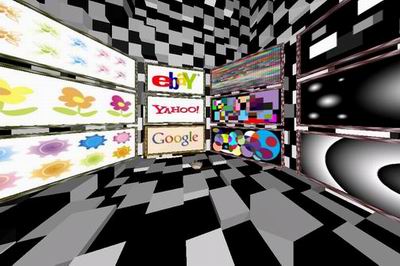
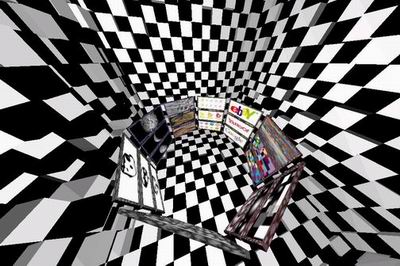
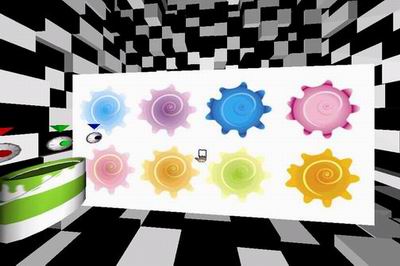
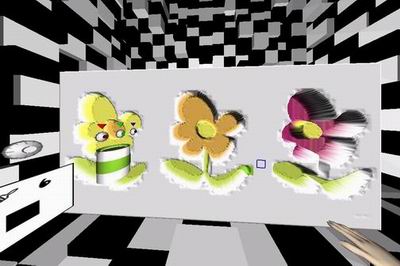
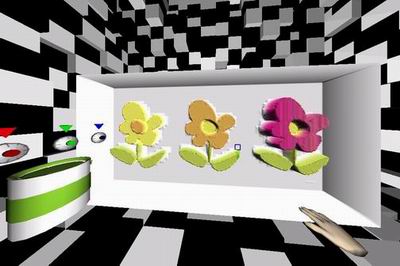
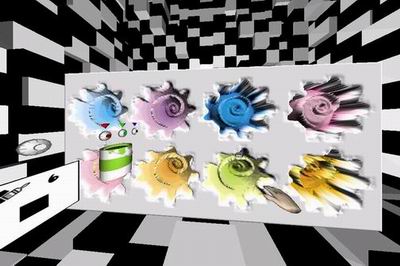
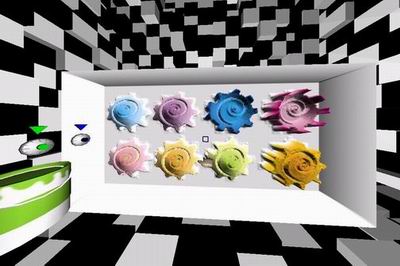
Another possibility of 3.D.UO.PAD is texture mapping. Not only drawing directly onto the pad but also selecting the digital image. All color values of the pixels of an image can be interpreted to the shape later. We instinctively capture the sense of the depth from 2 dimensional images. The brightness of the pixel is generated by light in real. 3.D.UO.PAD reverses this fundamental concept to extract the meaning of the color. Texture room has 32 pre-designed images on picture frames. A user selects one of these frames to assign that image on the virtual pad.
4. Archive Room
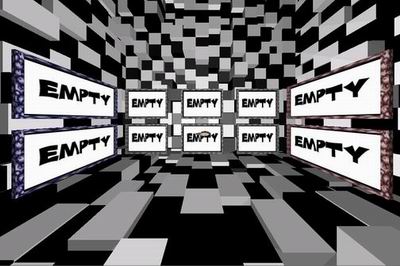
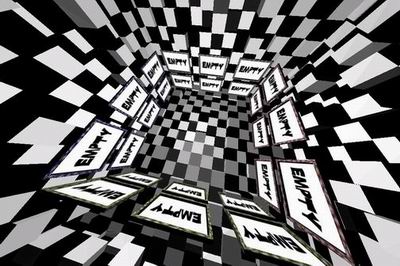
Basic function of archive room is to make it possible to save and load our creative work in real-time. There are 24 available frames to capture the pad. Once we save it in one of these slots, later we can load our previous work immediately.
5. What can we make with 3.D.UO.PAD?
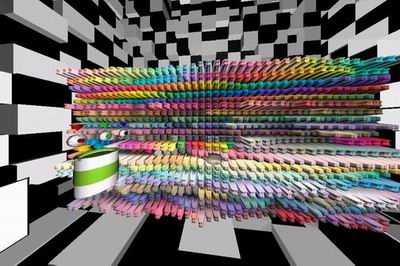
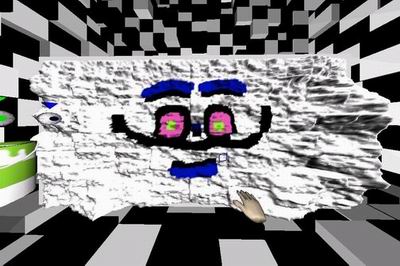
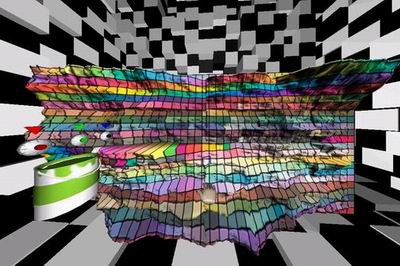
Figure 7 shows the simple drawing of paint brush. This is the easiest way to use 3.D.UO.PAD. To help a user understand more complicate result, he could apply texture images onto the sketchpad. The sketching pad is morphed along with the painting color. Figure 10 and 11 demonstrate how texture images make transformation to the 3D shapes. The left image of Figure 12 has color palette texture image. Each color square makes stick shape, like a collection of various crayon sticks. More randomized deformation example is shown in the right image of Figure 12 (fractal deformation with painting). We also can use fractal deformation and texture together.
6. Installation Detail
3.D.UO.PAD is CAVE-based art piece. It can be shown in the 6-wall CAVE or C-WALL (Configurable Wall) system that is utilized by Ygdrasil & CAVE library. Primary software list: CAVERNsoft G2 or QUANTA 4.0 network library, VRCO CAVE library and trackd software, SGI Open Performer 2.5 or higher, Ygdrasil 0.1.11 or 0.4.
7. Acknowledgement
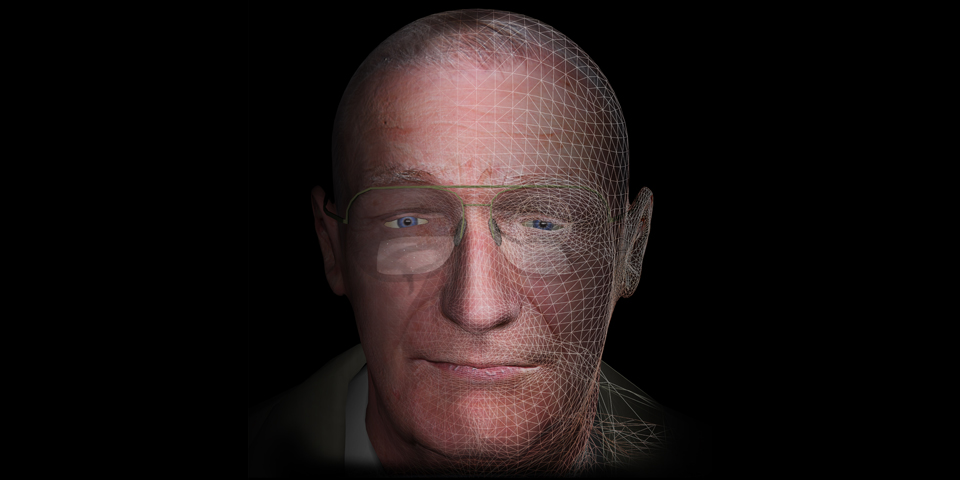
I'd like to appreciate my academic adviser and friends to help me to develop this idea. Conceptual Advise: Franz Fischnaller, professor, Electronic Visualization Lab. (EVL), University of Illinois at Chicago, IL, USA Sound Design: Jung-min Lee, PhD student, Illinois Institute of Technology, IL, USA Face Illustration: Hyeyun Park, MFA student, Electronic Visualization Lab. (EVL), University of Illinois at Chicago, IL, USA
IDEAS 2005 Festival
April 23, 2005, the Wells-Metz Theatre, Indiana University, Bloomington, Indiana. The Indiana IDEAS (Interactive Digital Environments Arts and Storytelling) Festival is a competition and juried show of interactive entertainment, 3D, 2D, aural, virtual, animated and still creative work which will be held April 23 2005 at the Lee Norvelle Theatre and Drama Center and the Wells-Metz Theatre, Indiana University, Bloomington, Indiana. In this year, total 40 works were selected to exhibit in festival and 10 works were selected as the best work in its category. 3.D.UO.PAD was selected as the best work in Virtual Reality Environment.
Festival Installation
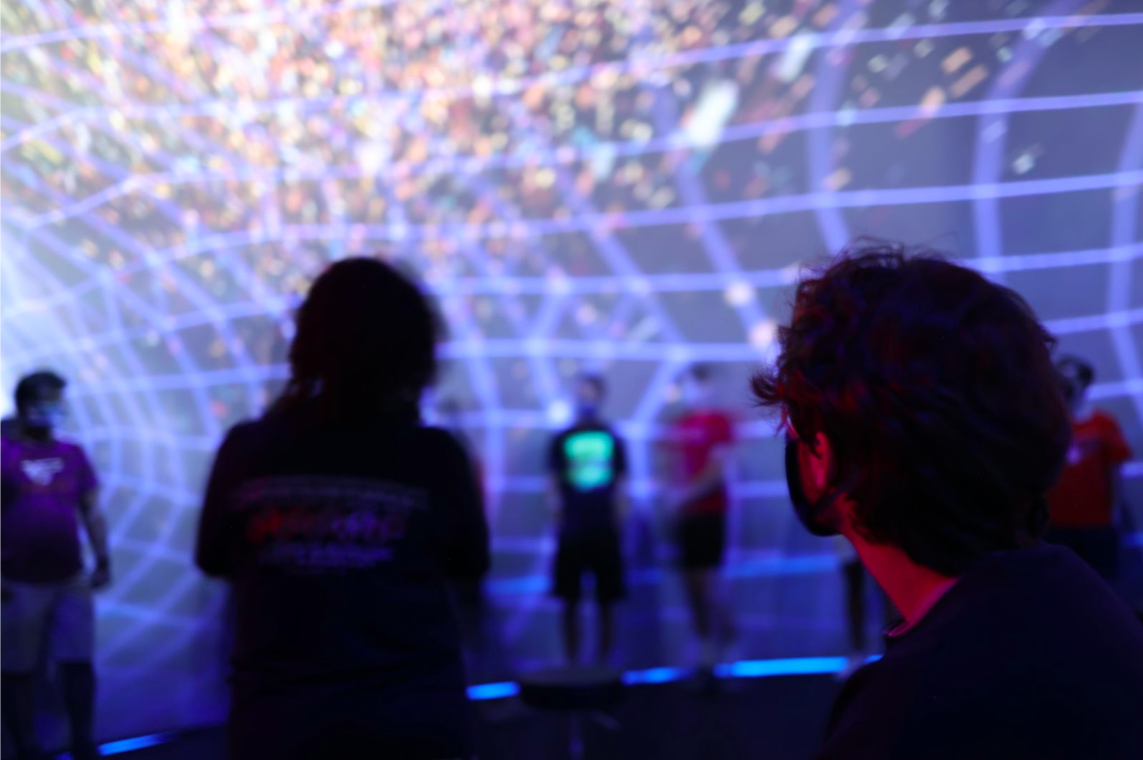
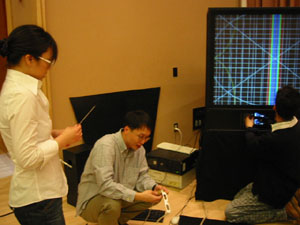
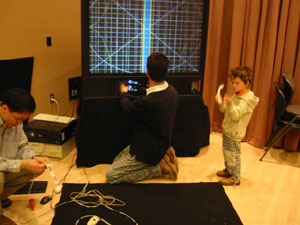
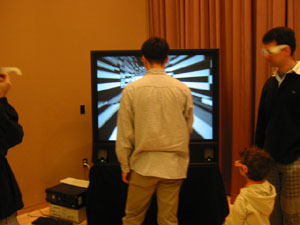
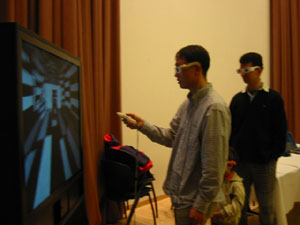
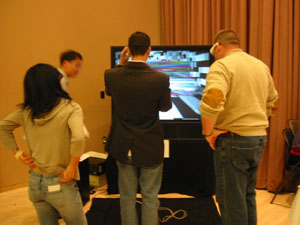
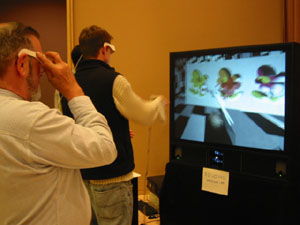
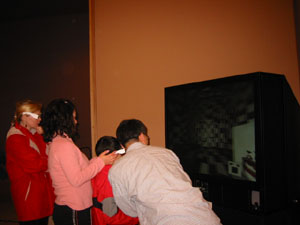
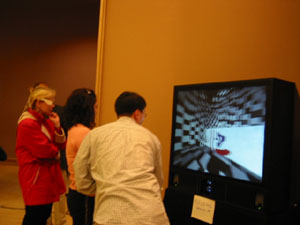
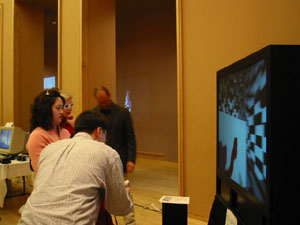
Basic installation used two main components. The one is two computers running main graphics and tracking system. The other is John-e-Box that was developed by the Advanced Visualization Laboratory (AVL), Indiana University Bloomington. Above images show the snapshots of installation. In typical installation, I use Spacepad tracking antenna above the screen but in the exhibition, John-e-Box has relatively small screen and makes us difficulty to hang the antenna. The alternative way I used is to lay down antenna on the floor and step on it. This requires re-configuration of tracking system. Finally it works fine in the event.
Exhibition Sketches
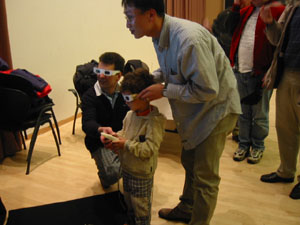
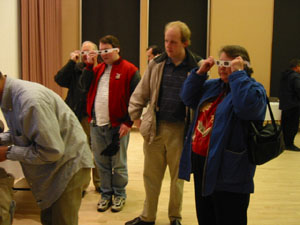
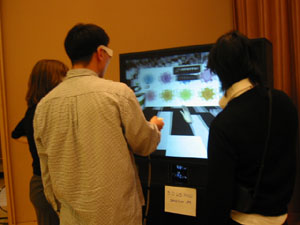
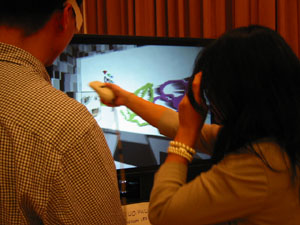
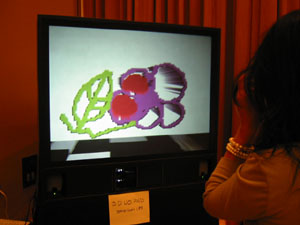
During the showtime, many people enjoyed 3.D.UO.PAD. First of all, audience was fascinated by stereoscopic vision and started to make their own work (drawings). One difficulty part of exhibition was the variety of audiences. Since virtual reality system tends to configure their installation based on the measure of adult. That means young kids have difficulty to see the screen and interact with 3D virtual object. The other was originally this application was developed using 10x8 feet screen system but John-e-Box has pretty much smaller screen and this caused improper sense of scale.
People's Works
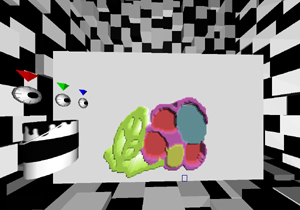
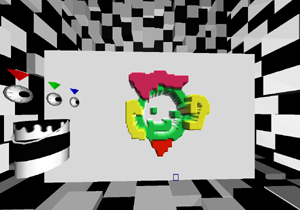
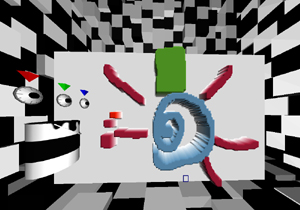
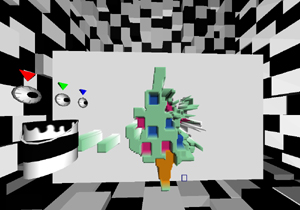
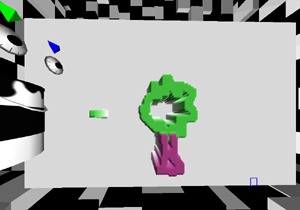
Here are several selection of audience's work at that day. Most people liked to use dual functional brush (paint and carve mode) to draw something onto canvas. At the same time, they are not likely to utilize texture image on it. All the user's work were saved through the archiving room and I can reload them later.
Epilogue
Although this was one day event, I had learnt many other aspects of exhibition of virtual reality application such as physical limitation of installation and complexity of the application that could make audience difficult to experience the piece without expert or navigator on site. The most valuable experience was that I really enjoyed it with people and could share my idea with others. This always makes me more creative and motivated. Thank everyone who participated in 3.D.UO.PAD and Indiana University Bloomington who held this event.